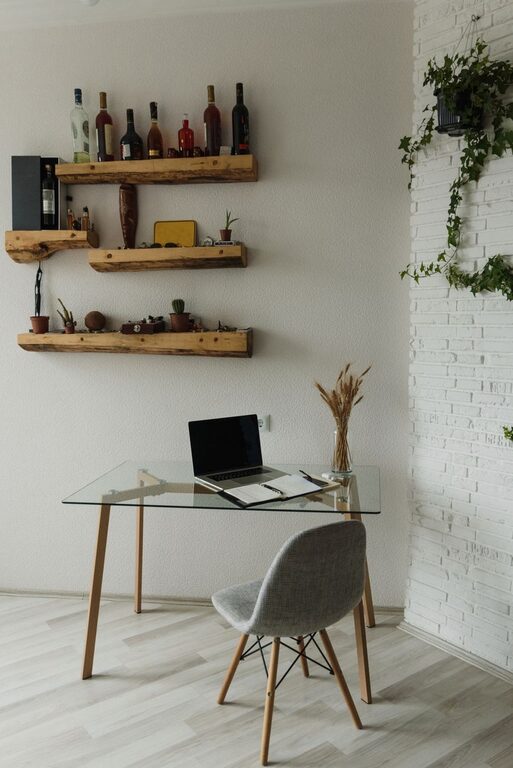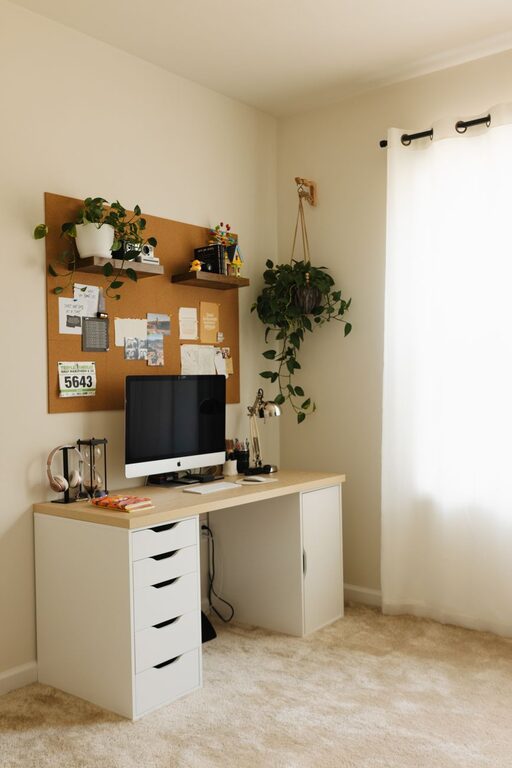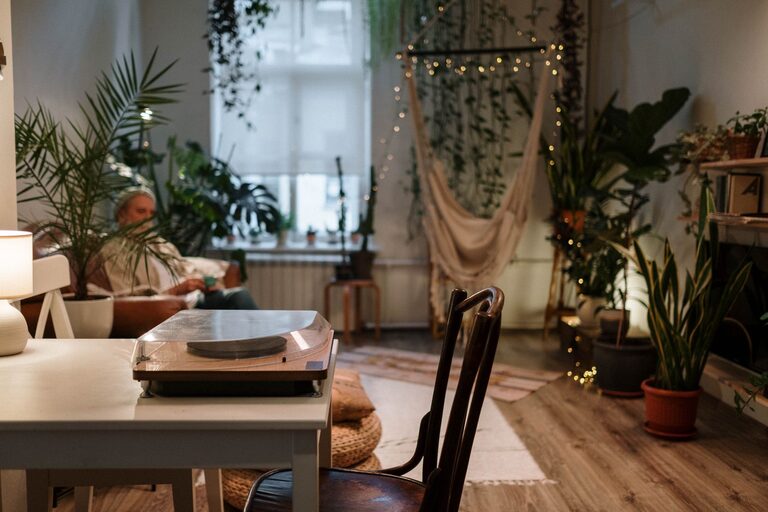

Creating a home office that feels both cozy and productive can be a game changer for your work-from-home experience. A well-designed workspace not only boosts your efficiency but also makes your work hours more enjoyable. Whether you’re setting up a home office for the first time or looking to improve your current space, this guide offers helpful tips to create an environment that supports your focus and comfort.
Choose the Right Location
Finding the perfect spot for your home office is the foundation of a productive workspace. Ideally, pick a quiet area with minimal distractions. If possible, avoid high-traffic zones in your home, such as near the kitchen or living room. A dedicated room is ideal, but if space is limited, a corner of a room can work well too.
Consider Natural Light
Natural light can significantly improve your mood and energy levels. Select a space near a window to benefit from daylight. If natural light is limited, invest in good quality artificial lighting to reduce eye strain and maintain a pleasant atmosphere.
Invest in Comfortable and Functional Furniture
Your furniture choices directly impact how you feel and work in your office.
– Ergonomic Chair: Choose a chair that supports your back and encourages good posture.
– Desk: Pick a desk with enough space to hold your computer, supplies, and any other essentials. Adjustable desks are great for alternating between sitting and standing.
– Storage Solutions: Keep your workspace tidy with shelves, drawers, or filing cabinets.
Comfort meets function when your furniture supports long hours without causing discomfort or clutter.
Organize to Minimize Clutter
A clutter-free environment helps clear your mind and improve focus.
– Declutter Regularly: Make it a habit to tidy your desk at the end of each day.
– Use Organizers: Desk trays, pen holders, and cable management systems keep things neat.
– Adopt Digital Tools: Limit paper use by using apps for note-taking, calendar management, and document storage.
Personalize Your Space
Adding personal touches can make your office feel inviting and inspiring.
– Decor: Items like artwork, photos, or plants add warmth.
– Color Scheme: Use colors that boost your mood and productivity. Soft blues and greens are calming, while yellows can energize.
– Scent: Essential oil diffusers or scented candles can create a pleasant atmosphere but choose subtle smells to avoid distractions.
Manage Noise Effectively
Noise can be disruptive, especially when working from home.
– Soundproofing: Adding rugs, curtains, or wall panels can reduce noise.
– Noise-Cancelling Headphones: These are a great investment if you can’t control background sounds.
– White Noise: A white noise machine or app can mask distracting sounds.
Set Clear Boundaries and Routines
Creating routines and boundaries help separate work from home life.
– Work Hours: Define your start and finish times and stick to them.
– Breaks: Schedule regular breaks to stretch and refresh.
– Signaling: Use visual cues, like closing the door or a desk flag, to indicate when you’re working.
Utilize Technology Wisely
Technology can increase your productivity, but it’s important to choose reliable, user-friendly tools.
– High-Speed Internet: Ensure your connection is fast and stable.
– Quality Hardware: Invest in a good monitor, keyboard, and mouse.
– Productivity Apps: Use calendars, task managers, and communication tools to stay organized.
Keep Your Workspace Clean and Healthy
A clean environment promotes well-being and focus.
– Regular Cleaning: Wipe down surfaces and vacuum regularly.
– Air Quality: Keep your space ventilated or use an air purifier.
– Ergonomics: Maintain good posture and adjust your setup to prevent strain.
—
Creating a cozy and productive home office space is about balancing comfort with functionality. With the right location, furniture, organization, and personal touches, you can design a workspace that makes your workdays both efficient and enjoyable. Remember to assess your setup periodically and adjust as needed to keep your home office a place where you love to work.